Menu
Your Cart

VL6180 Time-of-Flight ToF Distance Sensor

VL6180 Time-of-Flight ToF Distance Sensor
  • Availability: Directly available from warehouse in Eindhoven
  • SKU: 003421
€3.50
Ex Tax: €2.89

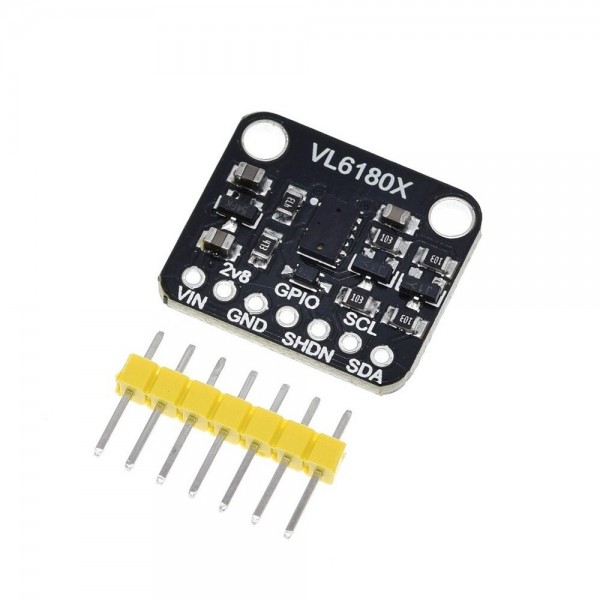
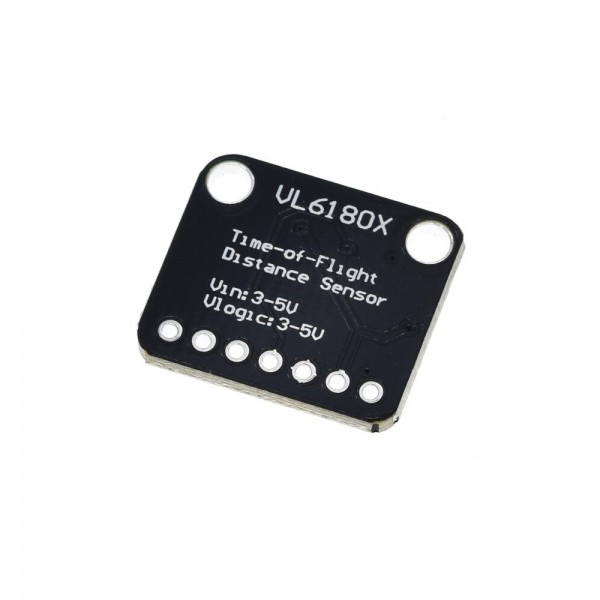
With this Time-of-Flight sensor you can easily measure a distance using the reflection of light. With the built-in level converter, the module can be used with both 3.3V and 5V microcontrollers.

See the following page for more information: GitHub

Check the tab "Downloads" for more information and/or downloads.

Please login or register to review

Reviews Over VL6180 Time-of-Flight ToF Distance Sensor

This product has 0 review(s) in total.

Datasheet: 003421_vl6180.pdf

Specifications

General
Brand No brand
Features Object detection sensor
General physical appearance
Main color Black
Weight [g] 2
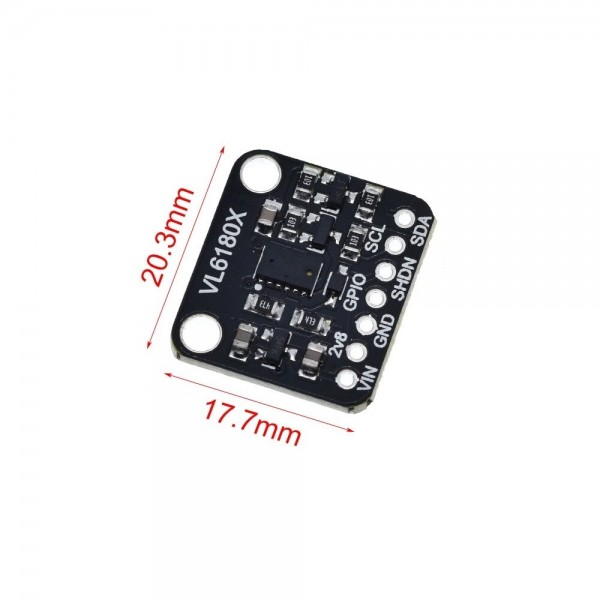
Dimension X [mm] 21
Dimension Y [mm] 18
Mounting options Mounting hole(s)
Diameter mounting hole(s) [mm] 3
Form factor Module (general)
General electrical properties
Minimum supply voltage [V DC] 3
Maximum supply voltage [V DC] 5
Minimum IO-pin input voltage [V] 3
Maximum IO-pin input voltage [V] 5
IO-pin output voltage [V] Equal to supply voltage
Communication
Hardware interface(s) I2C
Default I2C address 0x29
Adjustable I2C address No
Built-in pull-up resistor(s) [kΩ] 10
Object detection sensor
Sensor (chip) VL6180
Type ToF
Detection type Distance
Minimum measuring range [cm] 0.5
Maximum measuring range [cm] 62
(with optimal reflection)
Smallest resolution [mm] 1
Accuracy [±mm] 2
Maximum detection angle [°] 25
Connectors
Power supply connector(s) Through hole solder pin(s) (2.54mm)
IO-connector(s) Through hole solder pin(s) (2.54mm)
Package contents
Package contents 1x Afstandssensor
2x Pinheader

If you have a question or problem regarding a product, please contact us by using one of the buttons below.

1
false
true
true
Remove
Change
tr