SK6812 Digital RGBW LED with Lens
- Availability: Directly available from warehouse in Eindhoven
- SKU: 003093
€2.50
Ex Tax: €2.07
Your shopping cart is empty!
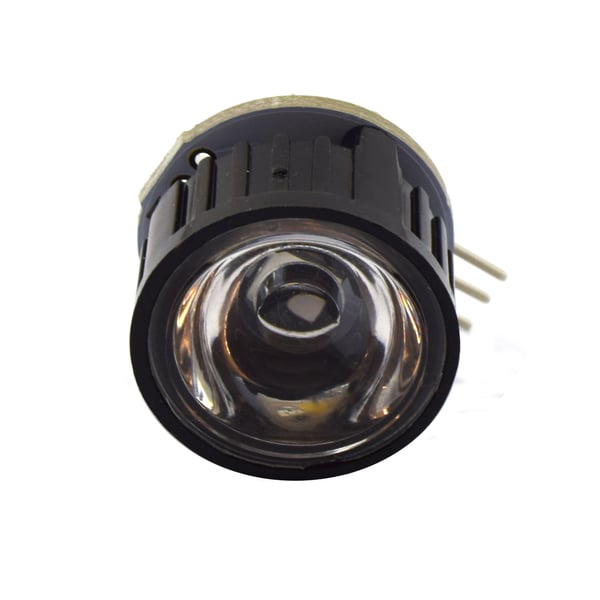
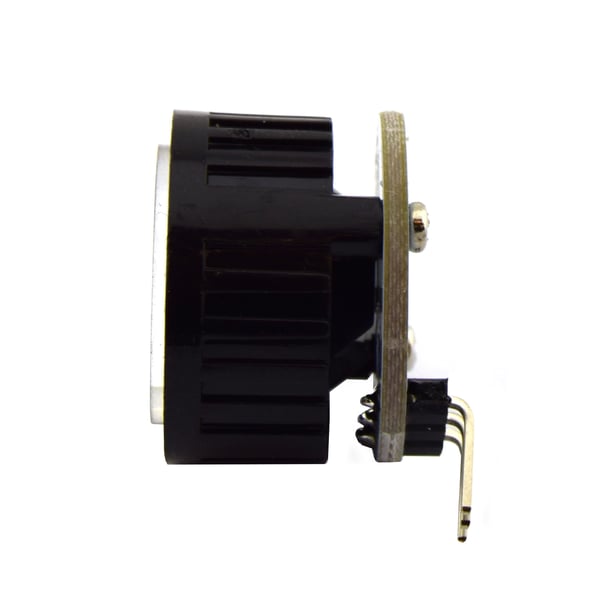
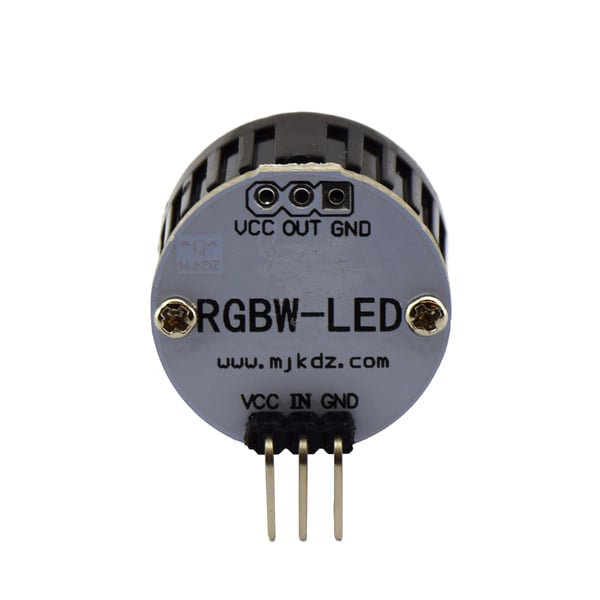
This product is a SK6812 RGBW LED with a lens. The color of the LED is controlled by the built-in chip. You can place a lot of these LEDs in sequence and control them digitally with just 1 pin. You can place up to 1024 LEDs in a row and still get 30fps (30 refreshes per second). The LED is of the RGBW type where each color can be controlled with 8 bits. This allows the LED to display 4294967296 kinds of colors (32 bits).
Various platforms offer support for this LED using libraries, including Arduino.
More information for the Arduino platform can be found here: Adafruit NeoPixel Überguide.
Specifications:
To connect a digital LED strip, we offer two options below. The first is recommended as it requires fewer components and fewer connections.
Requirements:
The following components are required to operate a product with digital LEDs:
Connecting the strip:
*There are many power supplies on the market that carry a China export ("fake" CE marking) or carry a CE marking but are not actually CE certified. We advise against using these, often cheap (Chinese), power supplies because they often do not provide a stable voltage. A stable voltage is essential to prevent damage to the LED strips and to ensure stable operation.
Requirements:
The following components are required to operate a product with digital LEDs:
The following parts are optional:
Connecting the strip:
*There are many power supplies on the market that have a China Export ("fake" CE marking) or carry a CE marking, but are in reality not CE approved. We do not recommend using these, often cheap (Chinese), power supplies because they generally do not provide a stable voltage. A stable voltage is essential to make the LEDS work stable, and to prevent damaging them.
More information:
We recommend reading the following pages for more information (especially when using multiple LED strips): Powering Neopixels and Adafruit NeoPixel Überguide.
This can have several causes. The most common causes are:
Signal voltage too low
For example, WS2812B LEDs have a signal voltage of 5V. When these are controlled with a voltage of 3.3V (as with ESP32/ESP8266/Raspberry Pi), data may not be properly received at one or more LEDs, resulting in the wrong color. This can be solved by increasing the signal voltage to 5V using a level converter.
Noise on the signal pin
The signal pin is sensitive to noise. This can be solved by connecting a 470Ω resistor in series between the microcontroller and the signal pin of the LEDs.
Voltage drop in supply voltage
Particularly with many LEDs in succession, it can happen that a part does not display the right color. This may be a sign that the supply voltage has dropped too far due to losses in the cabling. This can be solved by using extra thick power cables and connecting them between each strip.