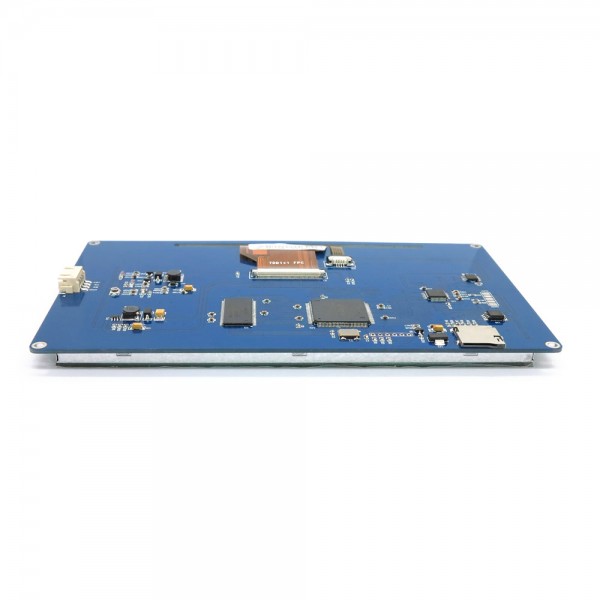
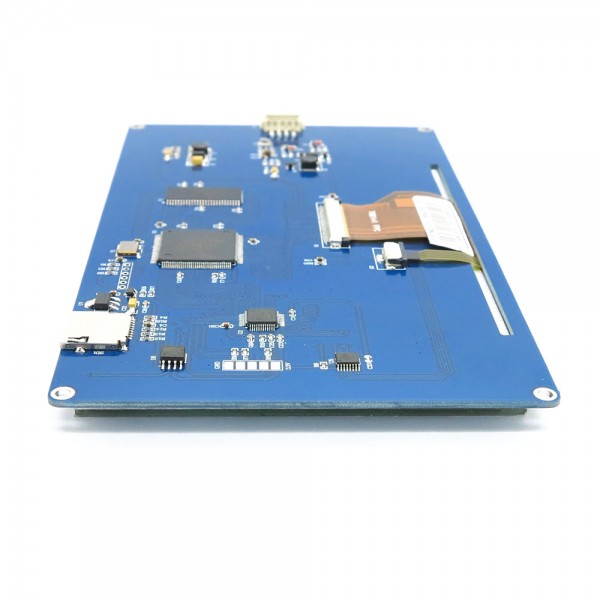
Nextion NX8048T070 HMI Display 7 Inch 800x480 with Touchscreen
- Availability: Directly available from warehouse in Eindhoven
- SKU: 001695
€58.00
Ex Tax: €47.93
Your shopping cart is empty!
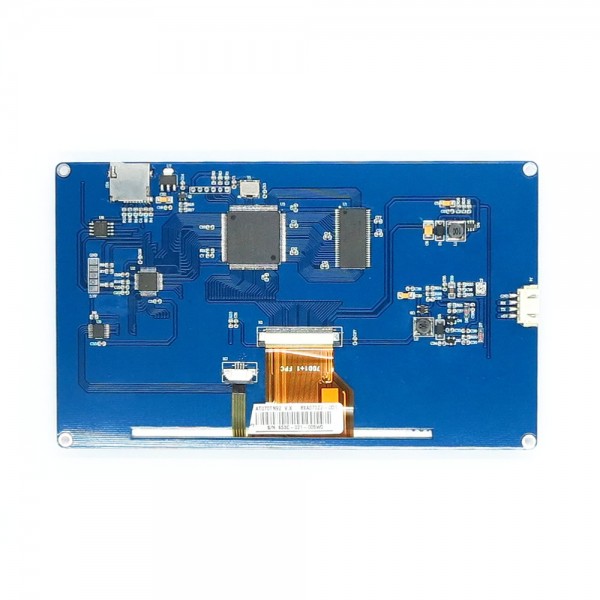
Complete HMI display with touchscreen. This screen can be controlled serially via a UART input. The graphical interface of this module can also be programmed via an SD card.
Determine how the screen looks and program the interface with the touchscreen yourself. For examples and library's, see this Github page.
For more information see the following page's: Datasheet, Nextion HMI Solution wiki and Itead Nextion.
Note: The length of the pixels on the long side (800 pixels) are 1.076x longer compared to the short side (480 pixels). This can cause images to look stretched or pressed. There is currently no compensation for this problem in the software and so the image must be compensated with a 1:1.076 ratio for the best view.
Note: It is important that you use a good quality power supply, the display will get damaged quickly if the power supply provides a too low voltage.
This product has 0 review(s) in total.
| General | |
| Brand | Nextion |
| Manufacturer model/SKU | NX8048T070_011R |
| Norm conformity | CE RoHS |
| Minimum operating humidity [%R.H.] | 10 |
| Maximum operating humidity [%R.H.] | 90 |
| Minimum operating temperature [°C] | -20 |
| Maximum operating temperature [°C] | 70 |
| Features | Display Touchscreen SD-card adapter Microcontroller (MCU) |
| General physical appearance | |
| Main color | Blue |
| Weight [g] | 271 |
| Dimension X [mm] | 181 |
| Dimension Y [mm] | 108 |
| Mounting options | Mounting hole(s) |
| Diameter mounting hole(s) [mm] | 3.4 |
| Form factor | Module (general) |
| General electrical properties | |
| Minimum supply voltage [V DC] | 4.8 |
| Maximum supply voltage [V DC] | 7 |
| Minimum recommended supply current [A] | 2 |
| Indication average current consumption [mA] | 510 (maximum brightness) |
| Minimum IO-pin input voltage [V] | 2 |
| Maximum IO-pin input voltage [V] | 5 |
| IO-pin output voltage [V] | 3.3 |
| MCU | |
| Maximum clock frequency [MHz] | 48 |
| Internal memory | |
| SRAM [KB] | 3.5 |
| Flash memory [MB] | 16 |
| Communication | |
| Hardware interface(s) | UART |
| Default baudrate | 9600 |
| Supported SD card size | Micro SD |
| Supported SD File Format | FAT32 |
| Maximum supported SD capacity [GB] | 32 |
| Display | |
| Type | TFT |
| Screen diagonal [inch] | 7 |
| Number of pixels long side | 800 |
| Number of pixels short side | 480 |
| Display shape | Rectangular |
| Pixel colors | RGB |
| Maximum brightness [cd/m²] | 230 |
| Touchscreen | |
| Touch type | Resistive |
| Multi-touch support | No |
| Connectors | |
| Power supply connector(s) | JST-XH (compatible) male |
| IO-connector(s) | JST-XH (compatible) male |
| Package contents | |
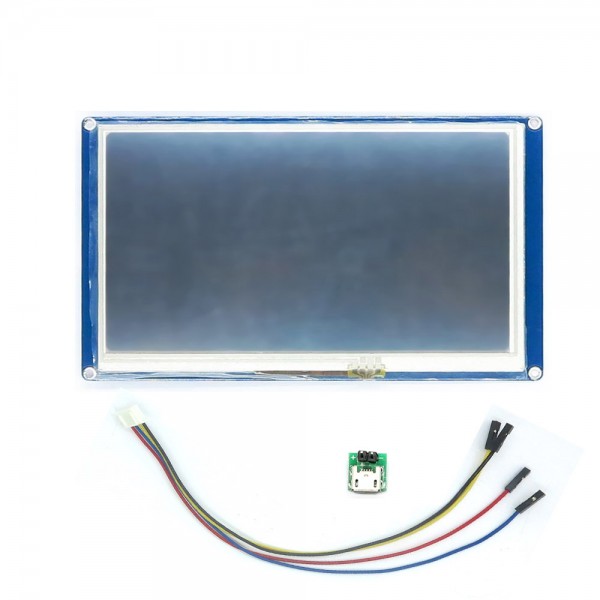
| Package contents | 1x Display module 1x JST-XH 4p to DuPont cable 1x Micro USB to pin header adapter |
This is not possible in most cases. Most development boards (including Uno, Mega, NodeMCU, D1 Mini V3, etc.) have a diode between the 5V pin and the USB input that lowers the voltage. If the voltage from the 5V pin is lower than the required minimum of the device (see specifications) then it cannot function properly. In addition, many development boards can only provide little power. This can also cause it to malfunction. Using an insufficient power supply can even damage the device. Therefore, make sure that you use a suitable power supply and that it is connected correctly. It is advised to verify the supply voltage by measuring it.
In most cases, this is caused by insufficient power supply condition. Nextion HMIs require a good quality power supply. When the power supply provides too little current, has too low a voltage and/or generates too much ripple, several problems can arise, such as:
A good quality CE-approved power supply is required that can supply enough current and has the correct voltage. If necessary, measure the voltage directly on the Vcc and GND pins of the HMI.